
Outbound is a cozy game where you travel in a house on wheels, craft items, and enjoy life at your own pace. While it can be a solo adventure, you don’t have to go it alone – you can play through the entire game (except for the tutorial) with up to three friends.
However, to play co-op, you’ll need to be online, as the game only supports online multiplayer. To get started, you’ll need to know how to unlock this feature. Below, we’ve got a step-by-step guide on how to unlock multiplayer mode and how it works.
Unlocking Multiplayer Mode
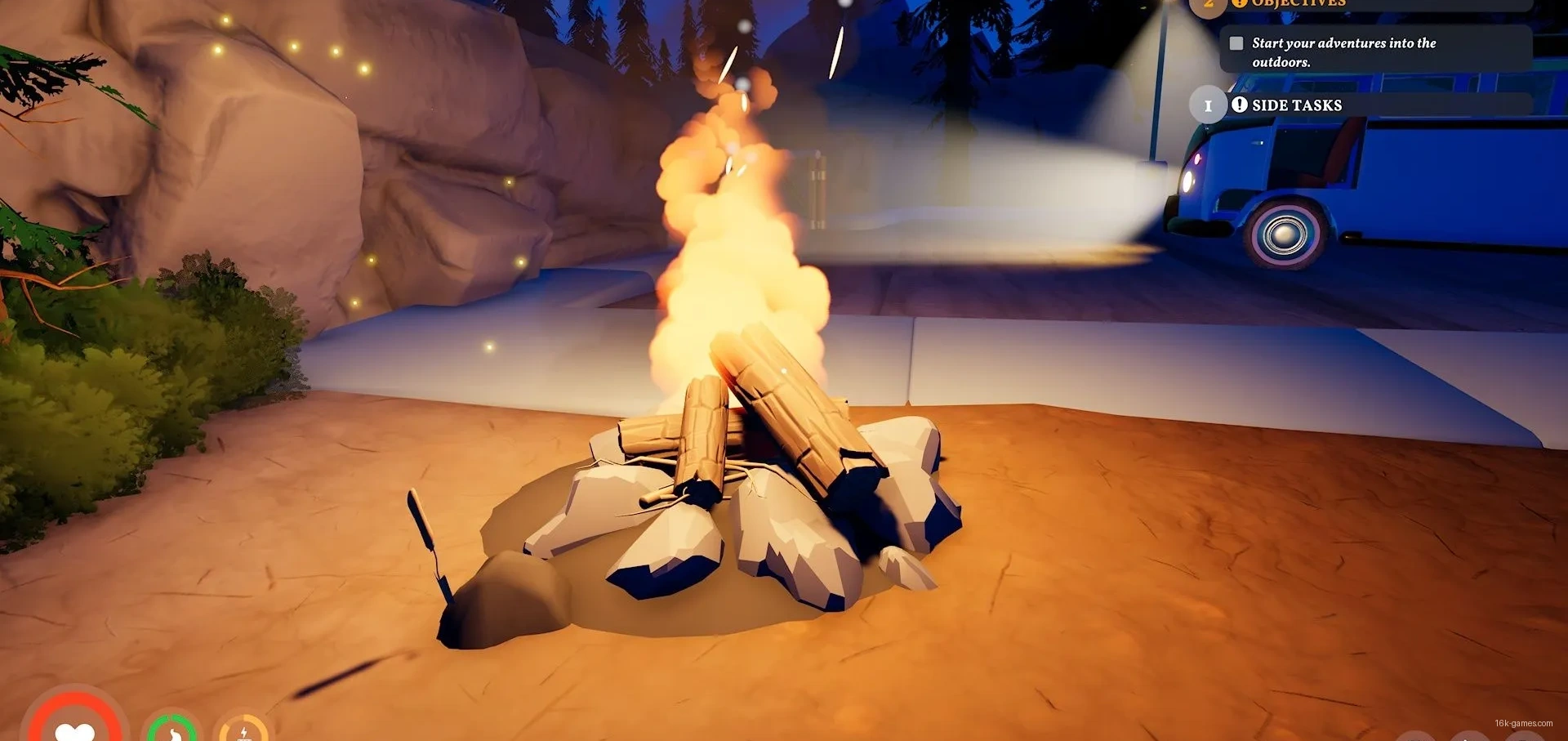
Multiplayer mode isn’t available from the get-go. First, you’ll need to complete the tutorial, which takes less than 10 minutes.
Here’s what you need to do:
- Approach the campfire.
- Grab some firewood from the crate next to the fire.
- Use the firewood to light the fire.
- Interact with the computer in front of the large support to get a wrench blueprint.
- Pick up some scrap metal near the lamppost.
- Interact with the back of the van to access the workbench.
- Use the workbench and scrap metal to craft a wrench.
- Use the wrench to repair the red-and-white barrier.
Once you’ve repaired the barrier, multiplayer mode will be unlocked.
Playing in Multiplayer Mode
To start a game with friends, you’ll need to open the menu that includes your backpack inventory, map, quest list, and journal. The last tab on the right is the multiplayer tab.
When you open it, you’ll see either a button to generate a code or an option to Create a Session. Which one you see depends on the platform you’re playing on.
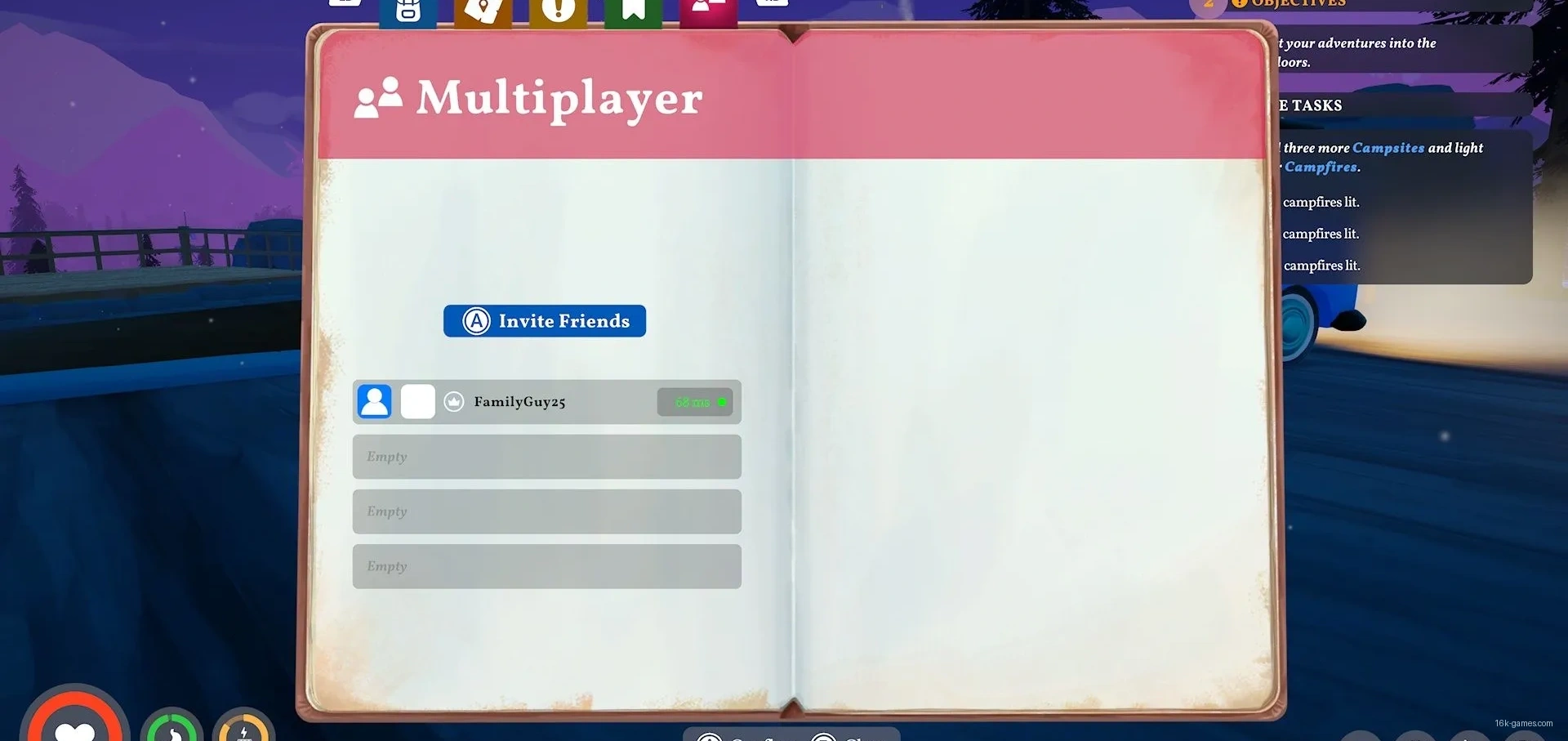
- Create a Session — If you see the Create a Session option, click it, then click the invite-friends button. From there, you can choose who to invite.
- Code — If you generate a code, you can send it to a friend. They can then select Join Friend from the main menu, enter the code, and join your game.
How Multiplayer Mode Works
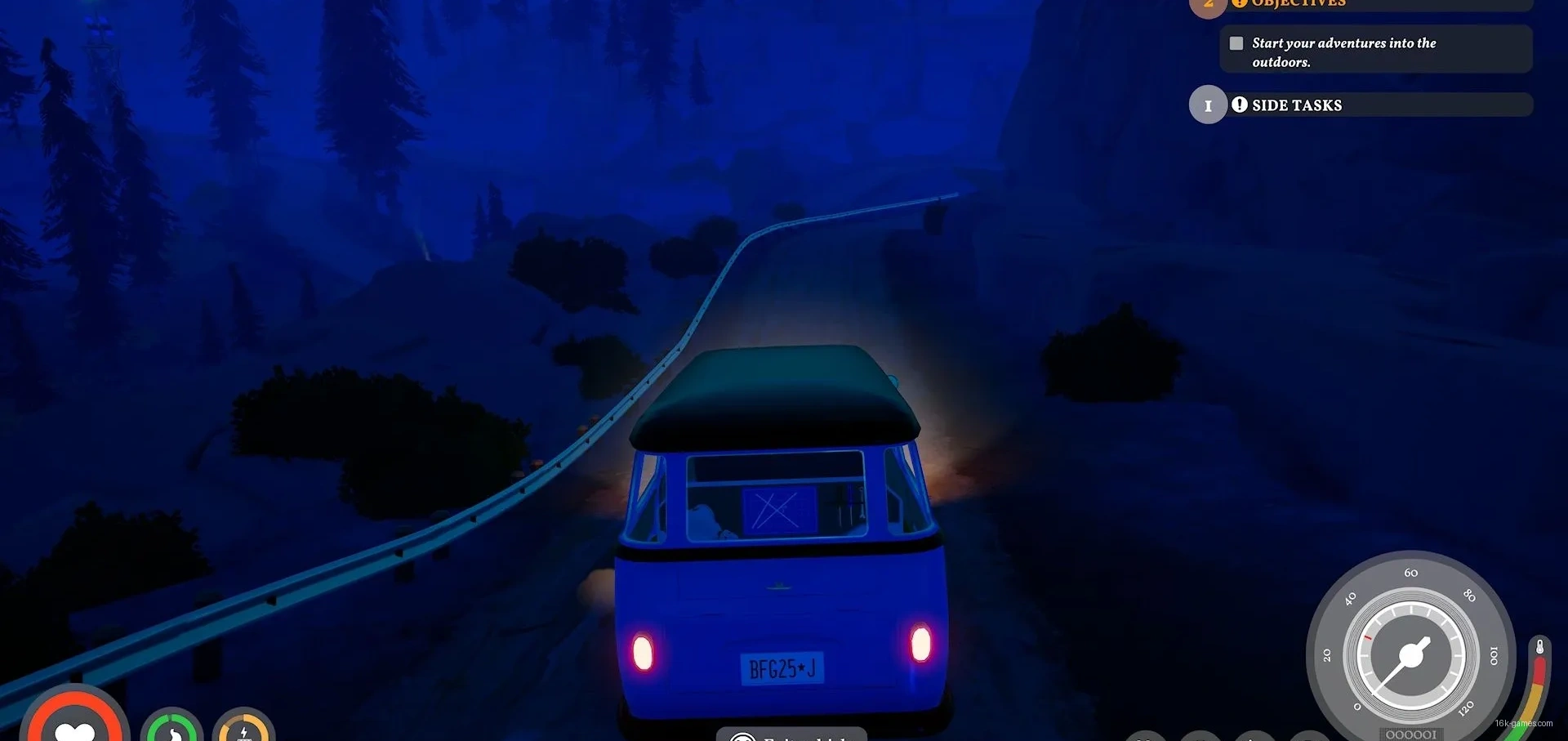
This is a cooperative game, so teamwork is encouraged. You can share resources and recipes with your friends. You’ll also be sharing the van, as there’s only one vehicle for everyone to use.
That doesn’t mean you need to stick together at all times – you can explore the open world on your own. However, since there’s only one van, it’s a good idea to stay close to it, as it’s essential to your progress.
Shared progress ends when the session ends, as your progress is tied to the session host. This means that other players won’t be able to continue from the same point in someone else’s game.