
The stunning 2.5D action-platformer from Sad Cat Studios, Replaced, is finally here. It allows you to dive into a thrilling dystopian story, enjoying the magnificent hand-pixelated graphics that literally take your breath away in every scene and location. With a duration of around 13 hours in this cold and gloomy world, there’s plenty to see and do to make the game feel rewarding and worth the time investment without dragging on – and that’s a pleasure.
Although it’s not the most complex or technical game, Replaced still has moments where you need to be on your toes. Otherwise, you might miss important collectibles and upgrades or get overwhelmed by enemies. However, once you get the hang of the main gameplay cycle and understand what to pay attention to, everything goes smoothly, giving you the best chance of survival in Phoenix City!
Make side quests your top priority

As you progress through Replaced, you’ll discover that Phoenix City has a surprisingly large number of side quests. Although they’re optional activities that you can choose to complete or ignore, we strongly recommend completing each side quest you come across, as they lead to some of the best rewards in the game.
For example, one of the earliest side quests has you meet a man named David, who asks you to retrieve a pair of binoculars for him. By accepting this quest and completing its surprisingly lengthy stages, you’ll receive the “Genetic Profile 2” upgrade, which increases your maximum health. This is absolutely crucial in a game where you’ll constantly be engaging in skirmishes.
The rewards for side quests can range from health and medkit upgrades to weapon modifications. So, try to complete them as soon as they become available, as after reaching certain chapters in the game, they may disappear. Don’t put them off and ignore them, or you’ll put yourself at a disadvantage!
Exploration is key
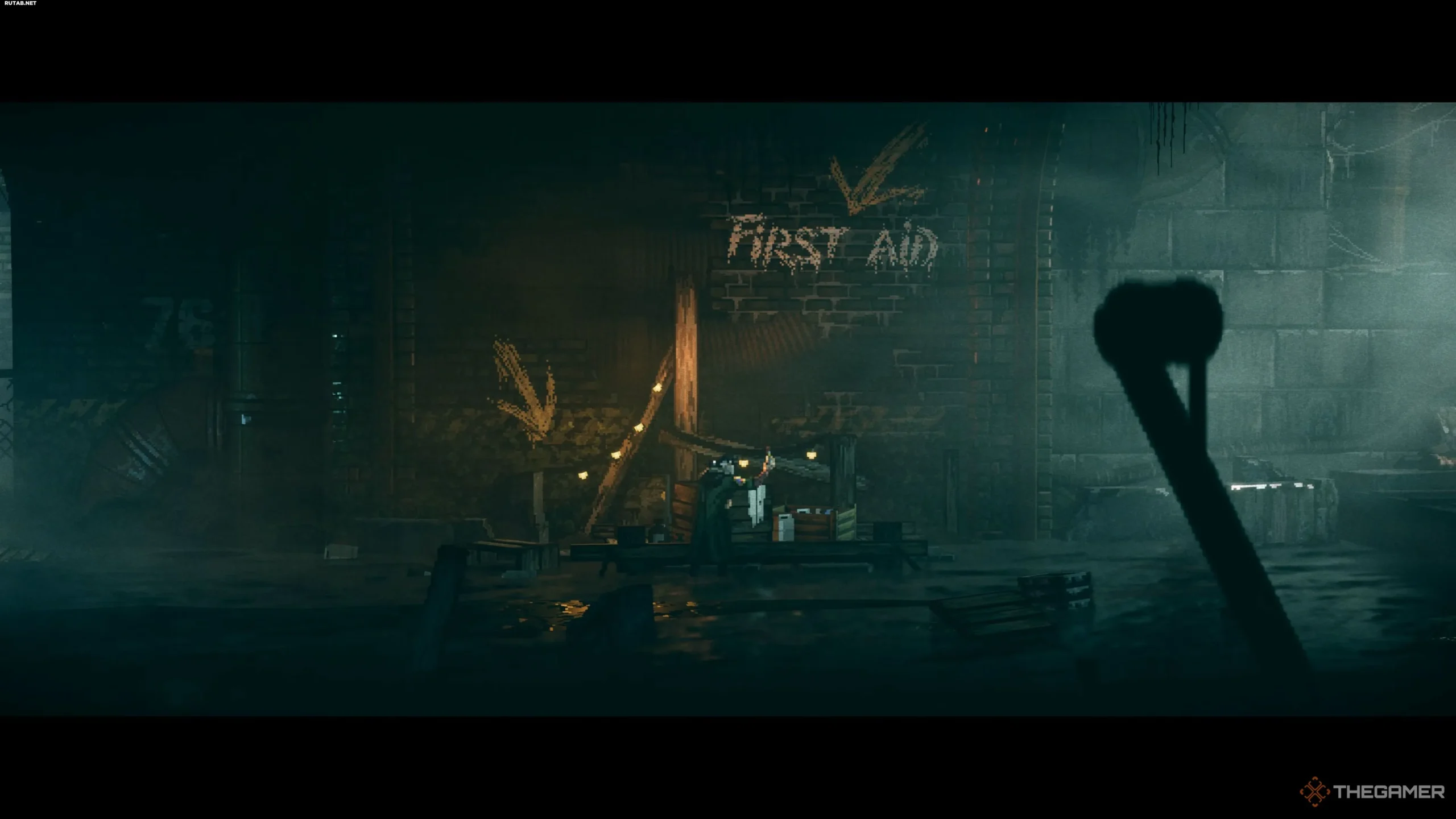
In the same vein, exploring the world is just as important as completing side quests, as simply looking into every nook and cranny can yield extremely valuable upgrades. You’ll not only get to enjoy the stunning visual aesthetic and environment design, but also health, medkit, and weapon upgrades by straying from the beaten path and examining everything carefully.
Some items will be hidden behind unique puzzles or platforming challenges, while others will be related to the aforementioned side quests. Nevertheless, completing every side quest you come across and thoroughly examining each location is a surefire way to get early upgrades and prepare for the more challenging obstacles and skirmishes that await you in the second half of the game!
Make sure to choose the right difficulty level
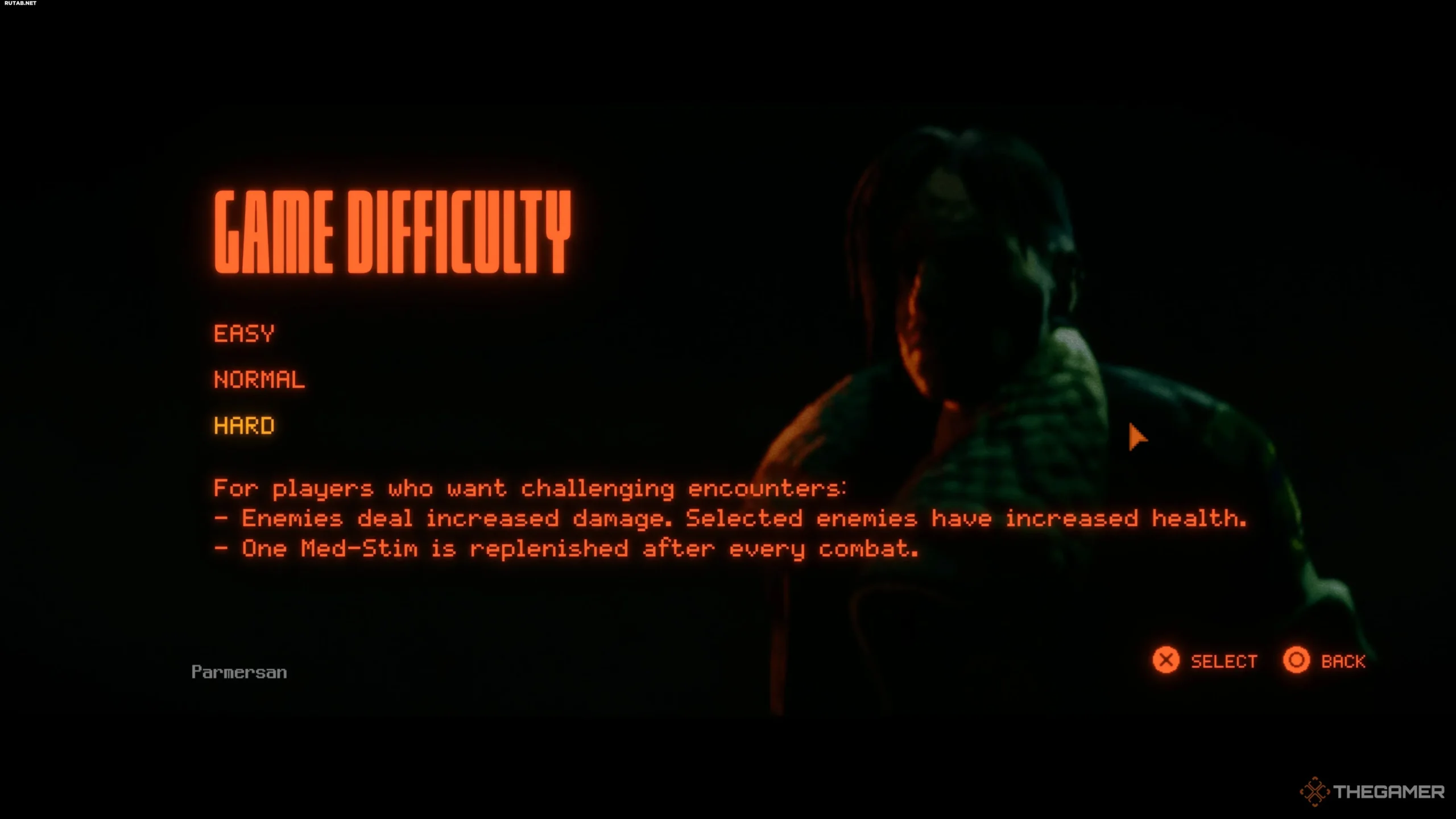
This point may seem obvious, as of course, difficulty settings matter. However, in Replaced, it’s doubly important. The game can be challenging at times, but in combat, it often feels overly simplistic and reduced to button-mashing, which isn’t great if you’re expecting serious resistance from enemies. Below is a detailed list of each difficulty option to help you make your choice.
All difficulty options
- Easy: The damage you take is reduced, and enemies have less health. You’ll also get more medkits at the start of the game and will replenish them all after completing combat encounters.
- Normal: The damage you take and the amount of health enemies have are set to “standard” values. After combat, you’ll replenish two medkits.
- Hard: The damage you take is increased, and some enemies have significantly more health. Additionally, after completing combat, you’ll only replenish one medkit.
Now that you see what each difficulty level changes, it’s worth noting that the “Normal” difficulty is still a bit too easy for fans of similar games, while the “Hard” difficulty isn’t exhausting. If you want each battle to be tense and require tactics, rather than just button-mashing, we strongly recommend choosing the higher difficulty. However, if you just want to dive into the story, enjoy the visuals, and solve platforming puzzles, then “Normal” difficulty will be more than enough!
Master the dodge and counter mechanics
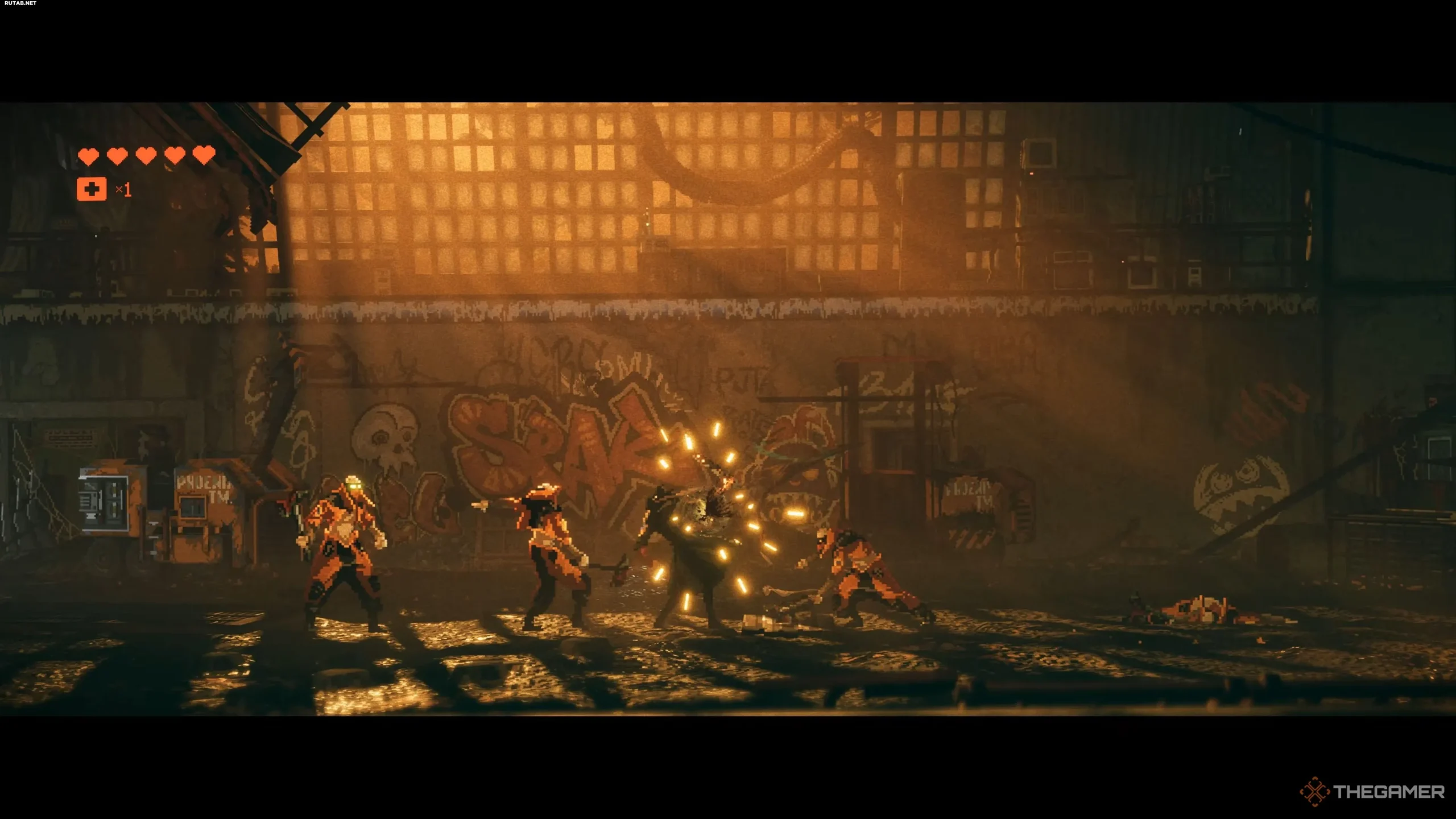
Continuing on the topic of combat sometimes feeling too simple, it’s time to break down the dodge and counter mechanics, as they’ll be your primary way of interacting with combat aside from regular attacks. If you’re familiar with the Batman games from Rocksteady, you’ll feel right at home in Replaced – the combat system is very similar, just in stunning 2.5D.
Mastering both of these mechanics guarantees your success, especially in the later stages of the game. Essentially, when red lines appear above an enemy’s head, you should dodge (X/A) their attack.
If yellow lines appear above an enemy’s head, you should counter (Triangle/Y) their attack, which will allow you to perform a series of more devastating blows. While it’s simple on paper, when you’re faced with hordes of enemies, keeping track of everything becomes much more challenging.
To avoid getting overwhelmed in the later stages of the game, we strongly recommend training yourself to dodge every time you see red lines and counter when you see yellow. This will help build muscle memory and make the action second nature.
Of course, this may seem obvious, but it’s surprisingly easy to start ignoring these mechanics and just “button-mash” in combat. While it’s a working strategy in the beginning, when you really need to rely on these mechanics in more challenging encounters, you’ll be hesitant at first. This can be completely avoided if you master them early on!
Use the Huxley cannon to its full potential
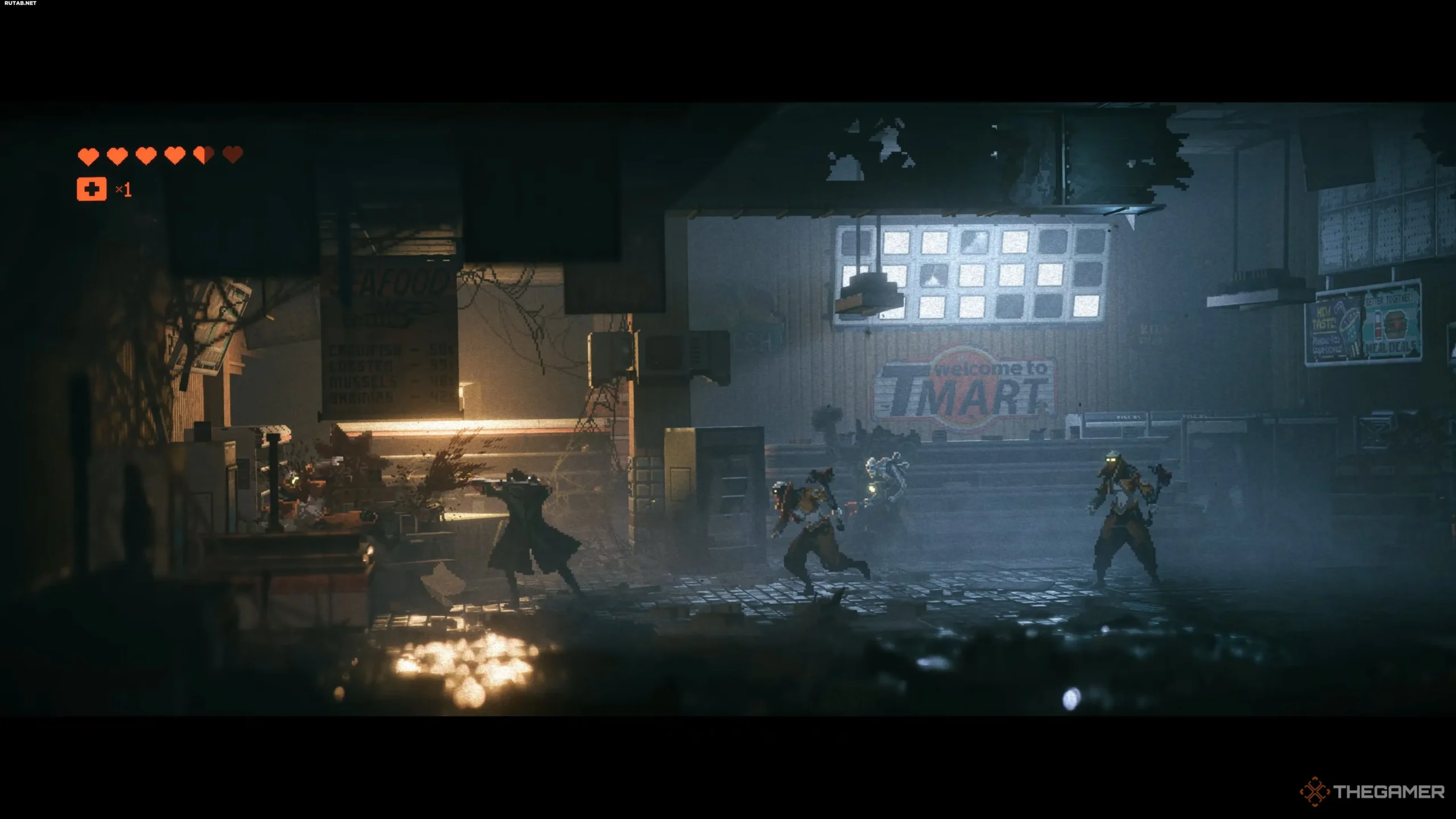
Early in your journey, you’ll repair the Huxley cannon, which will allow you to engage in combat at both long and close ranges, as it can also be used as a club. However, the cannon requires energy to fire, which recharges when you hit enemies in close combat. This unique system forces you to use both forms of the Huxley cannon, which perfectly complements the game’s dynamic combat.
Fire a few shots, close in on the enemy to recharge, then retreat to a distance for more shots. This simple gameplay cycle is captivating, especially when everything starts to click.
Not to mention that throughout all this, you’ll constantly be dodging and countering incoming attacks, which only elevates the gameplay to a new level. Don’t neglect the Huxley cannon’s ranged component, as you can keep it charged if you use all the game’s systems to your advantage!
Mobility will save your life

Speaking of combat, it’s worth noting that your mobility and movement also play a crucial role in survival. You can cover large distances on the arena by simply dodging left or right a few times, which allows you to pass through enemies. This not only helps avoid damage for a short time but also allows you to create distance between you and the enemy, which is perfect for a few shots from the Huxley cannon.
In our experience, in combat, you’ll almost always be dodging, as you’ll constantly be avoiding incoming attacks while also moving away from the enemy. This allows you to land subsequent shots, which can then be turned into close combat attacks to recharge the Huxley cannon.
Remember when we said the game sometimes feels like “button-mashing”? This is exactly what we meant: you can spam dodge, empty the clip on an enemy, close in, land a few hits, counter, and then repeat. This tactic is so simple to execute that it feels almost broken, as it negates the challenge of many encounters!
Chase scenes require precision and are intense
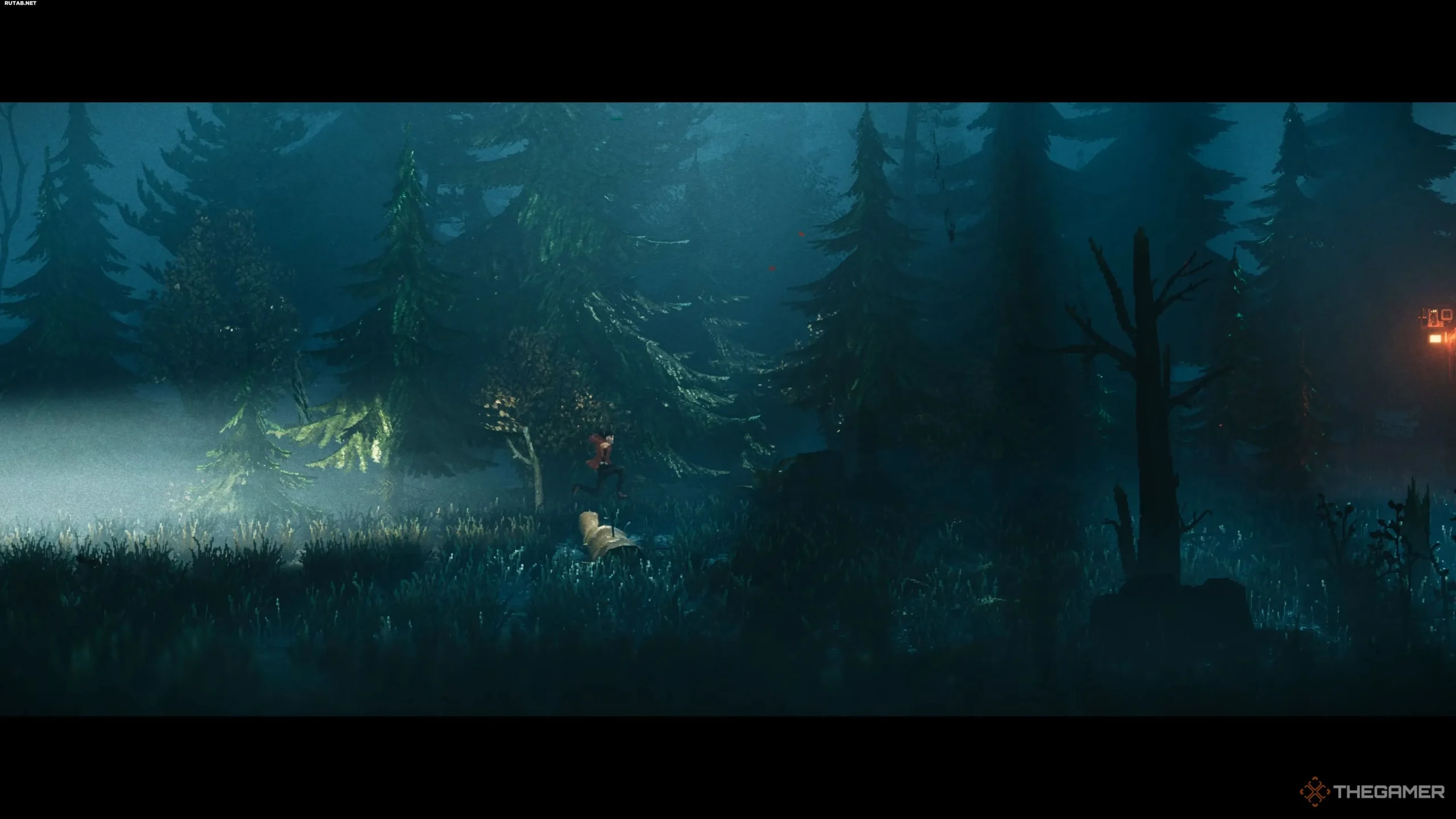
Next, we want to highlight the numerous chase scenes in the game, as they are, for the most part, the most intense and challenging aspects of the game. Why is that?
In short, during these episodes, you need to be incredibly precise with your platforming, as a single mistake will make you restart the entire sequence.
And when we say “a single mistake,” we mean it: miscalculating a jump will get you caught by the pursuer, and you’ll restart the scene from the beginning. Our advice is to almost always rely on the long jump, holding the jump button (X/A), as this allows you to perform a higher and longer jump, which is highly valued in these sections.
Additionally, it’s worth jumping a bit earlier than it seems. If you start a jump while already near an obstacle, you’ll get caught on it, stumble, and die. So, if you’re having trouble with these scenes, try jumping earlier than it seems necessary and hold the button. We guarantee that after that, you won’t have any issues with them!
Scanning files can provide key information and lore
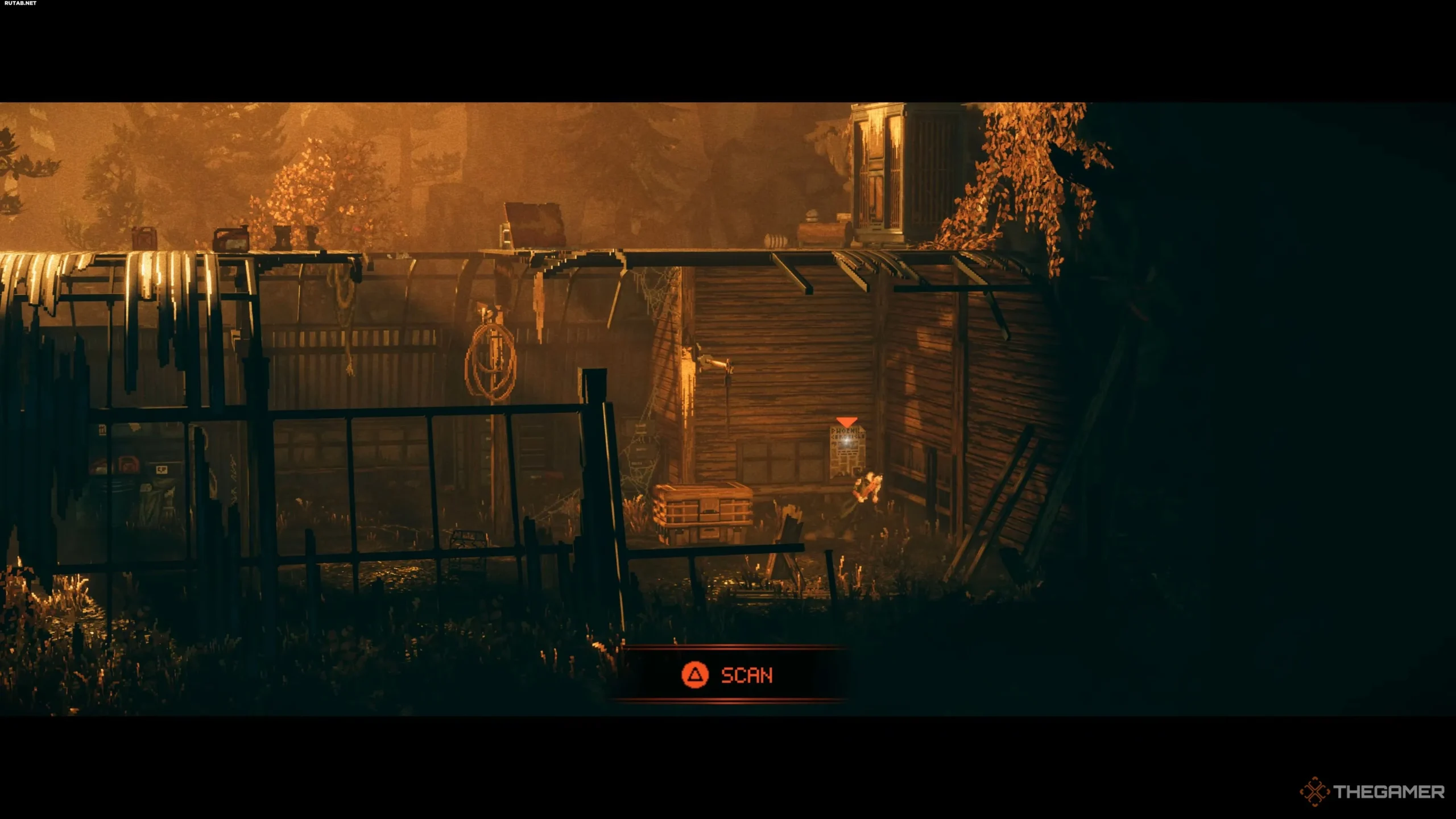
Finally, we have a tip for everyone who’s invested in Replaced’s world-building and story. If you want to learn more, search for the numerous files scattered throughout each location. They’re given away by a glowing white orb. By approaching such an object, you’ll be able to scan it, adding a unique entry to your journal.
Scanning these files will provide you with a wealth of information and lore, allowing you to dive deeper into the world of Phoenix City and even learn more about some of the characters you meet.
While it doesn’t unlock any gameplay possibilities, it will allow you to appreciate the game more, as well as encourage you to explore and complete side quests, where the real rewards are hidden!