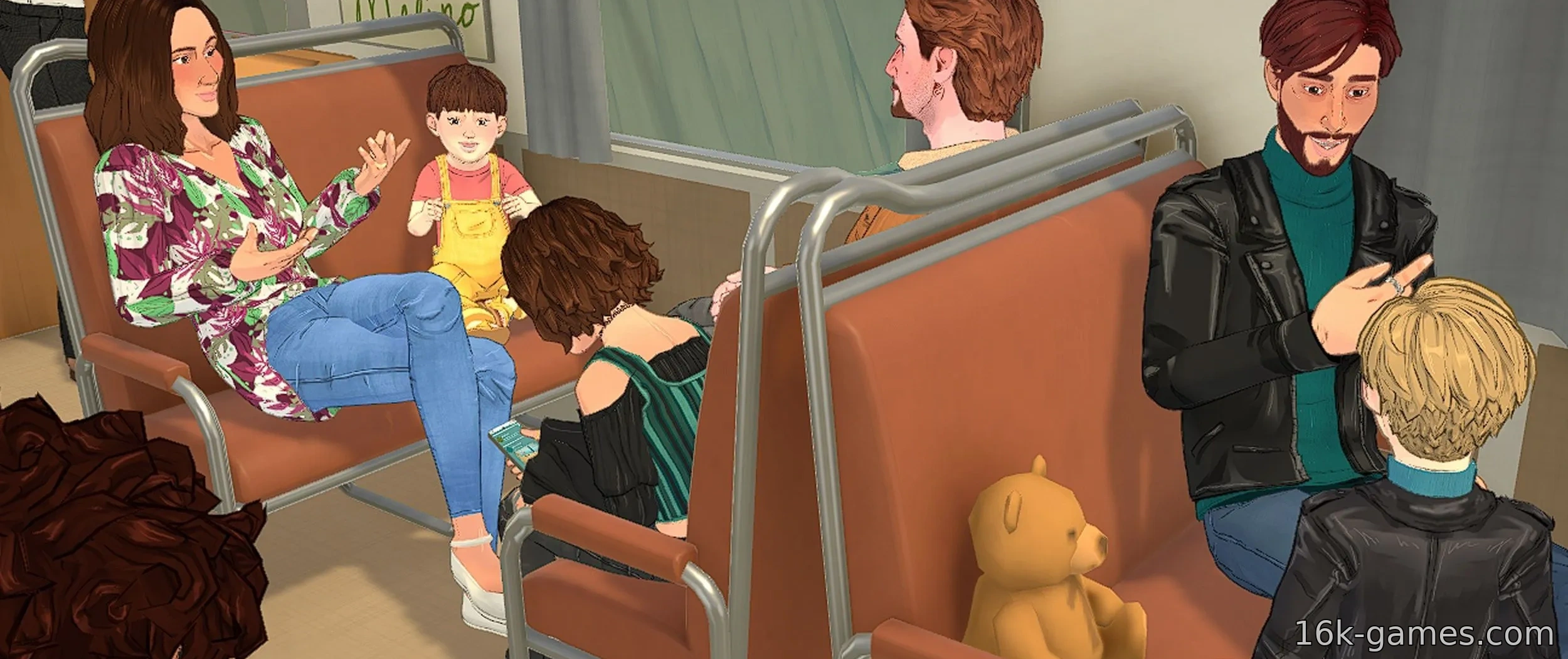
Paralives opens up a fresh world to explore, populated by cartoon characters you create. Each character belongs to a family that must work together to maintain the home and forge meaningful connections in town. However, how you begin may require some planning.
We’ll guide you through the nuances of character creation and help you build the best family for gameplay. Whether you prefer to play with a pre‑made family or craft your own from scratch, there are countless ways to make your experience unique.
Paralives is in early access, so the content will evolve over time. We’ll update this guide in the future.
How to Create a New Family
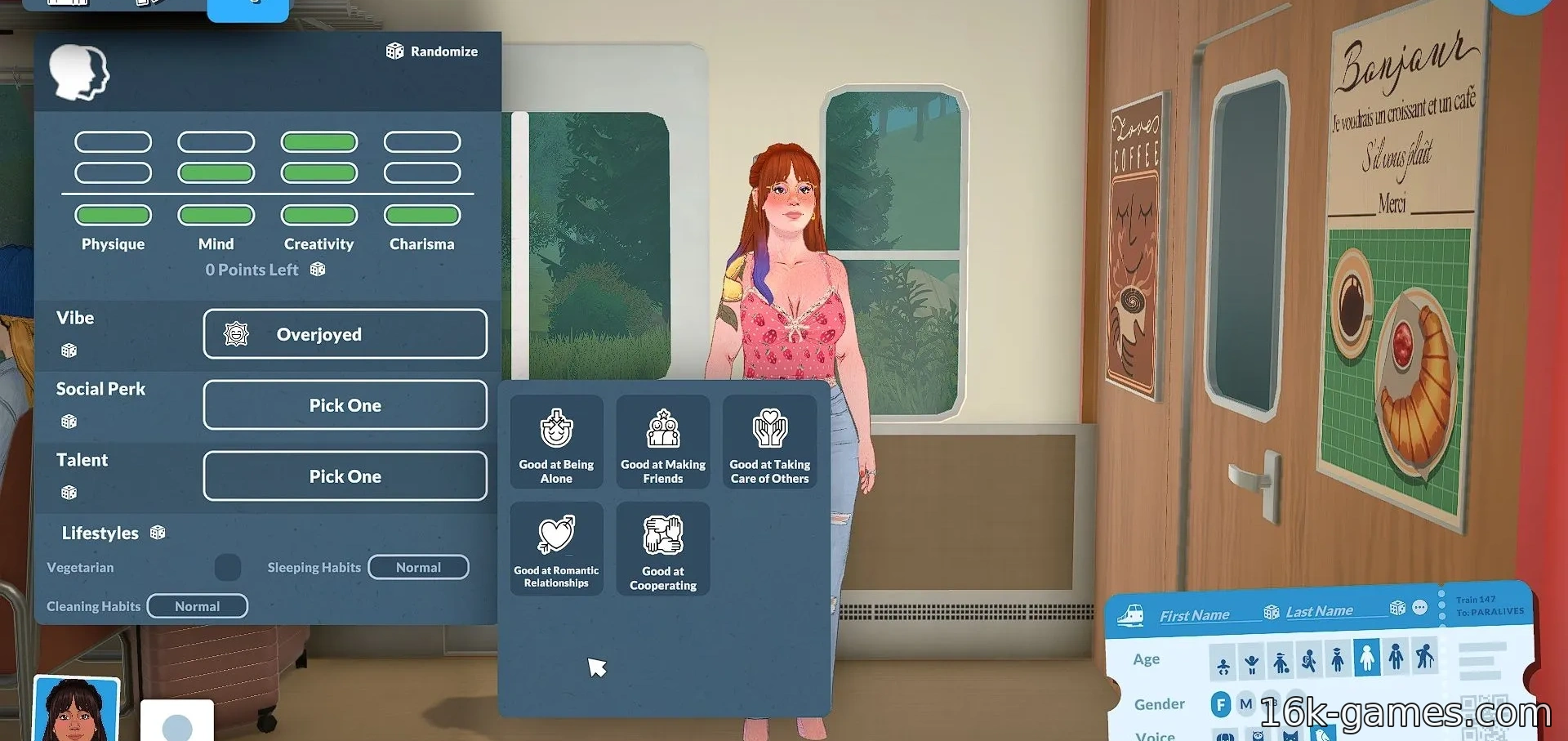
When you start a new save, you can create a family yourself. In the tutorial, you can choose between pre‑made families or design one of your own. If you want to get creative, select “create a new family.”
This lets you customize each character’s profile, including age, gender identity, and voice. You can also assign unique personalities based on their four initial traits.
You can save the household to your library, import a family, or edit character relationships using the toolbar in the top‑right corner of the screen.
You might also be interested in:
Customizing characters is entirely up to you. You can adjust height, weight, and overall body shape, as well as individual limb, torso, head, and posture proportions.
The customization is highly flexible, letting you create new color palettes for unique eye colors and hairstyles that express each character’s individuality. These palettes are saved for future use.
How to Choose a Personality
Below are the various traits you can use to customize your characters:
- All character traits. These traits determine what your characters excel at and what interests they pursue in their careers and personal lives.
- All character moods. A character’s mood reflects their overall energy and how they are perceived by others.
- All social bonuses. These traits influence how characters interact with others and the bonuses they receive.
How to Add New Outfits
When creating a family, you can equip multiple outfits. When you enter the wardrobe to change clothes, you’ll find you can create multiple presets that your characters will switch between at will.
This includes not only clothing but also hairstyles and accessories! Organize them into casual, formal, athletic, and sleepwear categories to keep your characters’ wardrobes tidy. No more single‑outfit syndrome.
What Difficulty Should You Choose?
There are different storytellers you can select, and they determine your difficulty level. Here’s an overview of the pre‑made storytellers available at the start:
- Best for beginners. The beginner storyteller is Stella, a fluffy dog who makes your characters’ lives much easier.
- Best for most players. Maxence is the standard storyteller, offering a mix of easy and challenging experiences. Ideal for a balanced playthrough.
- Best for veterans. Riccardo Castello III is the perfect storyteller for those who want a real challenge. Your characters will face more hazardous situations and tougher maps each day.
Additionally, you can create your own storyteller and customize the difficulty manually.